
muten
App audio control for Windows
Automatically mute apps when they lose focus and unmute them when you switch back.
- Auto-mute when inactive
- Start with Windows
- No install needed, just run
How it works
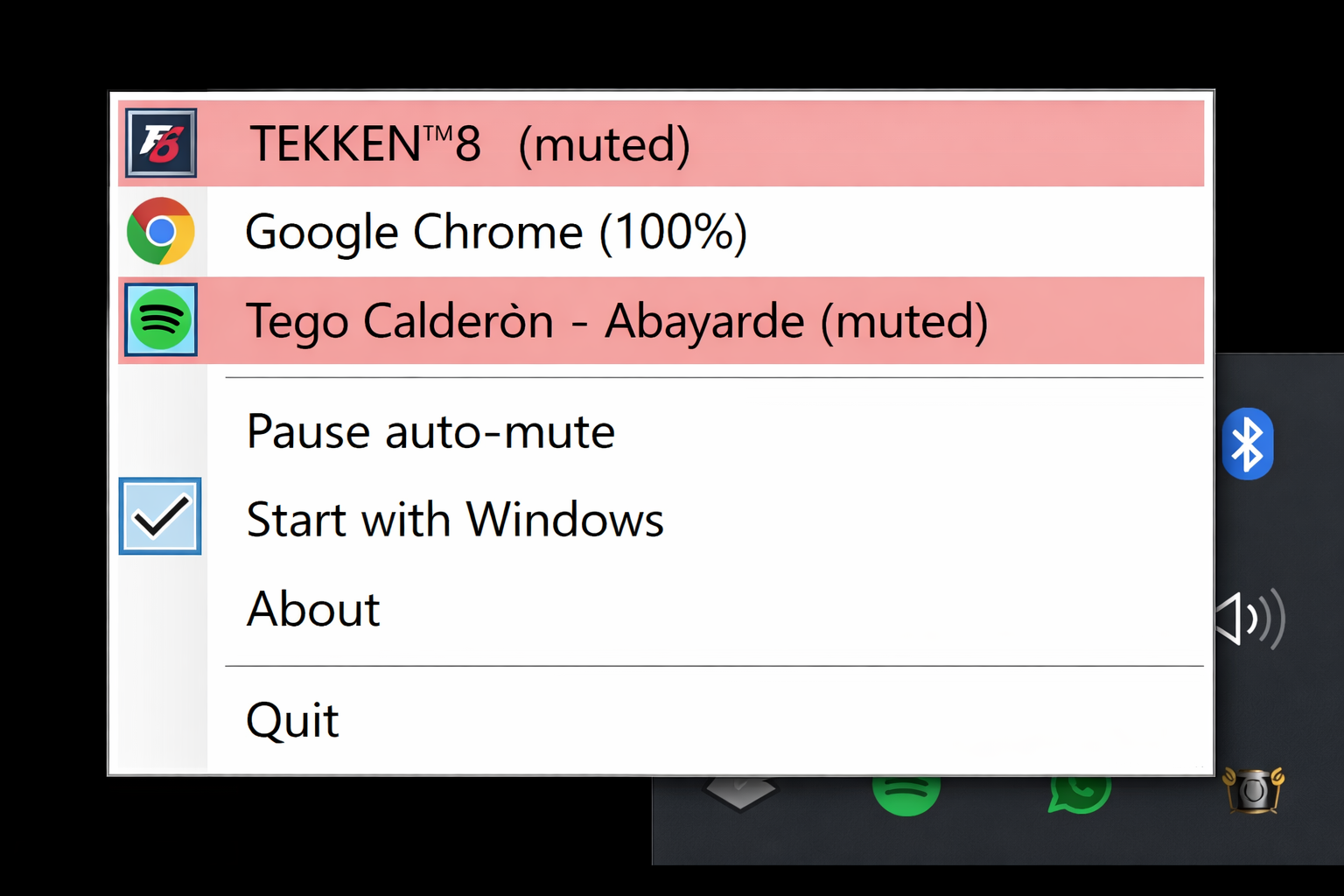
- 1 Click the tray icon to see audio sessions
- 2 Click an app to muten it
- 3 Mutened apps mute when inactive
- 4 Switch back → unmuted